
Connect your own MCP servers to Neurixco
Bring external tools into your workspace with bearer-token or OAuth-authenticated MCP servers — subject to your plan limits.
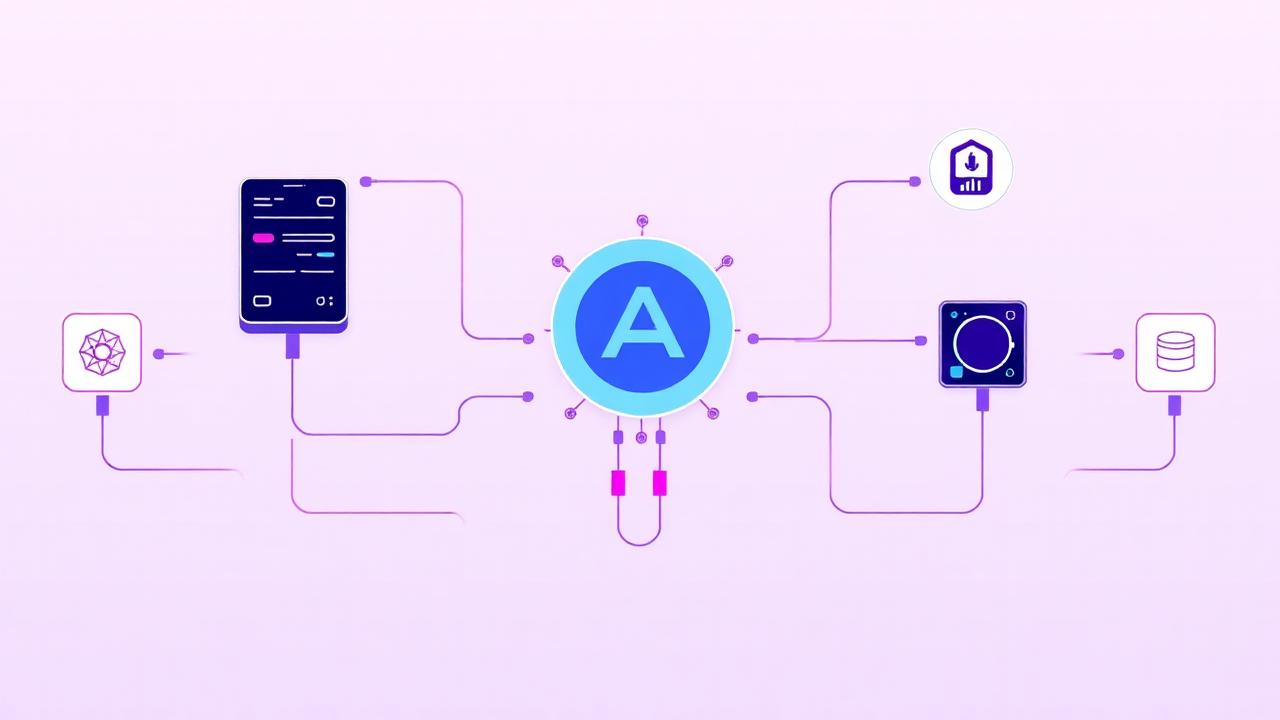
What is an MCP server?
An MCP server exposes tools that the AI Tutor can call — search an internal wiki, query an API, fetch a dataset. Neurixco can connect to your own servers alongside its built-in studio tools.
Adding one
Go to My MCP servers, click Add server, and provide the server URL and transport (HTTP or SSE). For authentication choose None, Bearer token, or OAuth 2.1 — the OAuth flow runs in a popup and stores the tokens for you.
Discovery and testing
After saving, Neurixco probes the server and lists the tools it discovered. If the probe fails, the error is shown so you can fix the URL, scope or token.
Plan limits
The number of servers you can add depends on your subscription plan. Admins are exempt from the limit.