
Draft abstracts and research papers using your own document as a style reference
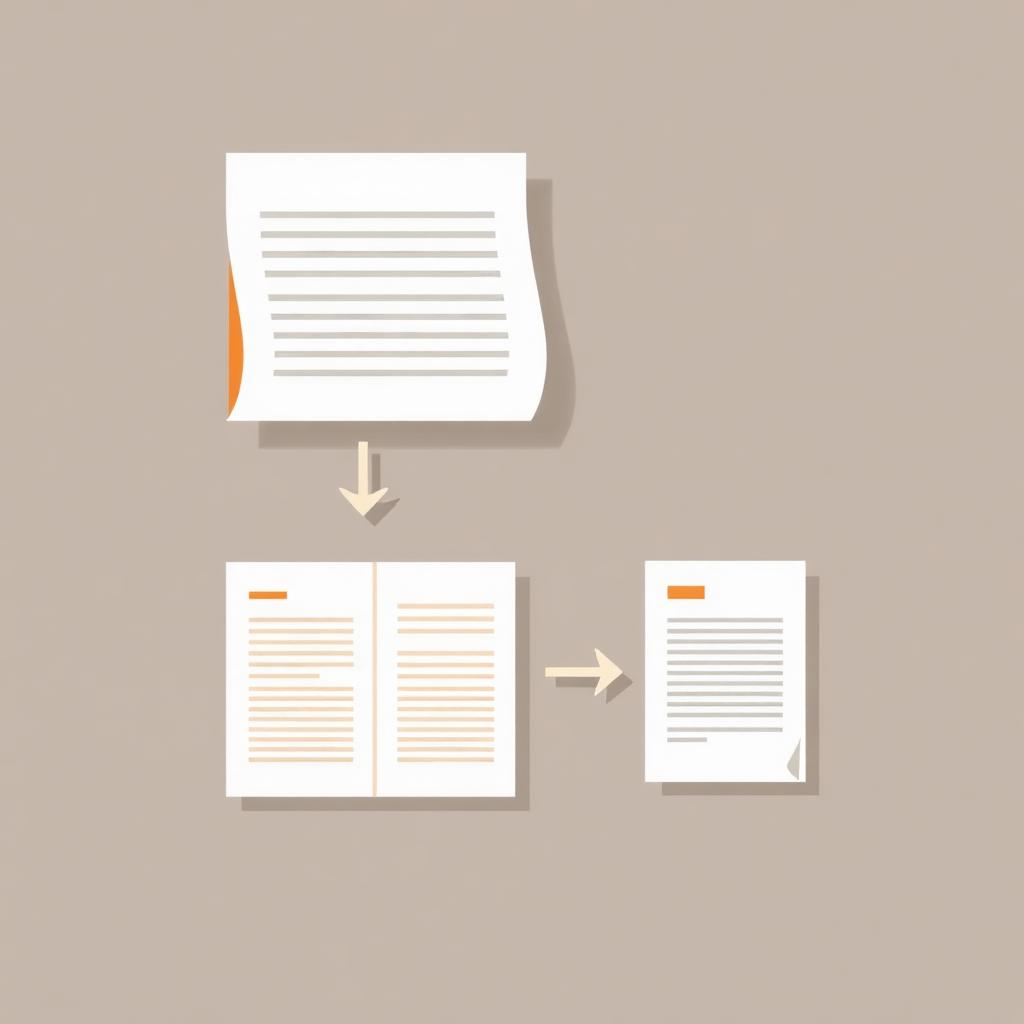
Upload an existing paper, abstract, or report as a reference before generating with the Document tool. The new draft inherits its structure, tone, citation style, and layout.
Draft abstracts and research papers using your own document as a style reference
The Document tool can produce abstracts, research papers, white papers, and professional reports. By default it follows standard templates (IEEE, APA, ACM, plain, modern). But if you have a real document you want to imitate — your lab's last paper, a published abstract you admire, your firm's white-paper format — you can use it as a style reference and the new draft will match.
Why this matters
Journals, conferences, and clients each have unwritten conventions: how the abstract is structured, how long the introduction runs, how citations are formatted, whether figures come before or after their discussion. A reference document captures all of that implicitly — you don't have to spell it out.
The workflow
- Upload the reference document to your sources (
.pdf,.docx, or paste the text). Examples that work well:- A previous paper from your group.
- A published abstract in the target journal.
- Your company's last white paper.
- A grant proposal with the structure you need.
- Include it as a source and label it as "style/format reference".
- Add the content sources — the new research, dataset, or topic the document is actually about.
- Open the Document tool and choose:
- Style: research-paper, abstract, professional-report, or white-paper
- Template: IEEE, APA, ACM, plain, or modern
- Length: abstract, short, standard, or deep
- In the Custom prompt field, add: "Match the structure, section order, tone, and citation style of the reference document."
- Generate. The new draft will inherit the reference's voice and shape while staying grounded in your new sources.
What gets carried over
- Section ordering (e.g. Introduction → Background → Methods → Results → Discussion).
- Citation style (numeric [1], author-date (Smith, 2020), or a custom format like BIS/IFC).
- Sentence rhythm — formal academic vs accessible professional.
- Average section length and the balance between sections.
- Keyword and abstract conventions specific to your field.
What does NOT get copied
- Specific results, data, or claims from the reference paper.
- Author names or affiliations (unless you set them in the form).
- Citations that are not in your new source set.
Power-user tips
- Use the Additional reference samples field to paste 1–2 example reference entries — the AI will format your References section the same way (great for non-standard formats like BIS, IFC, or in-house styles).
- After generation, use Edit with AI (incremental) on a single section to refine wording without re-writing the whole paper.
- Use Version History to compare drafts and roll back.
- Use the Source citations panel to confirm every claim traces back to your actual sources, not the reference document.
Reports vs Document — which to use?
- Reports = executive findings, key insights, and charts for stakeholders. Shorter, scannable.
- Document = long-form prose with abstract, sections, and a formal reference list. Use this when you need something publication-shaped.
Combine reference templates with Neurixco's incremental editing and version history, and you get drafts that feel like your lab or your firm wrote them — on the first generation.