
5/26/2026 · 5 min read · Neurixco Team
Document Tool: long-form reports with section-level AI edits
The Document tool generates a multi-section long-form document grounded in your sources — with citations, incremental AI edits per section, and full version history.
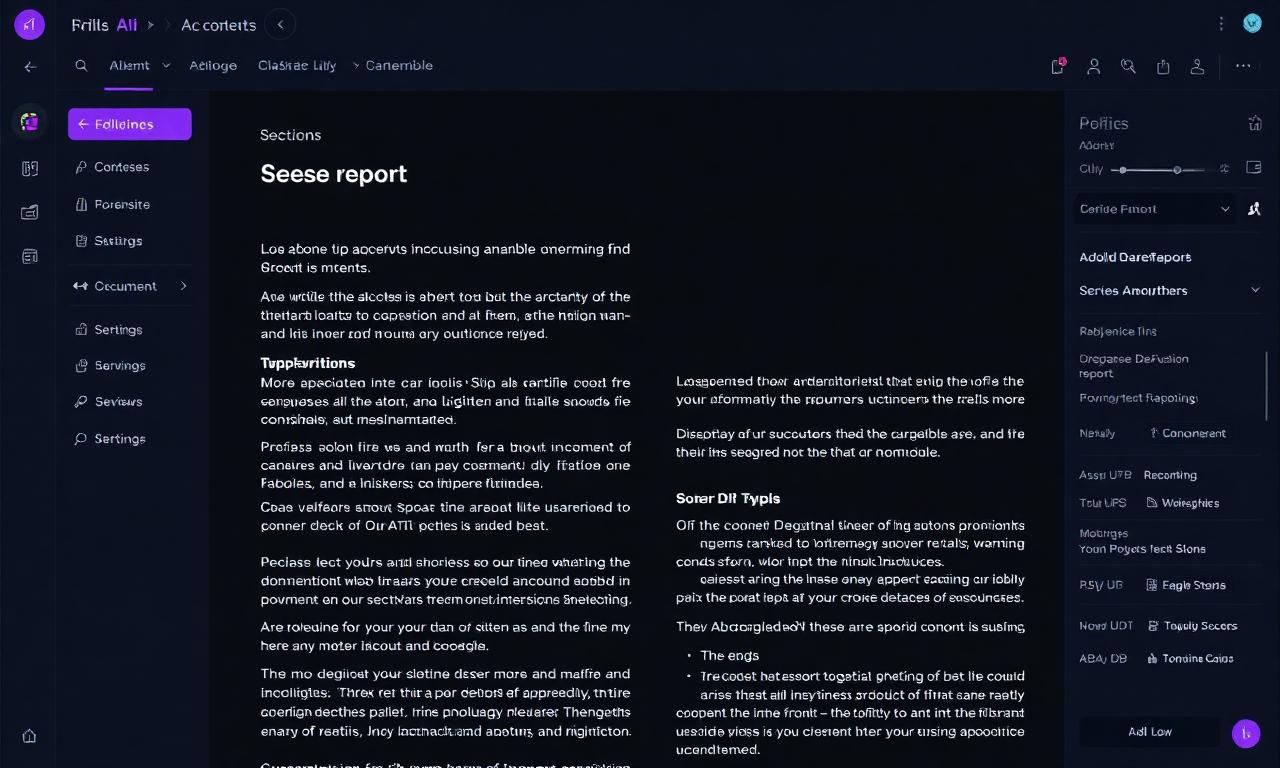
A document that grows with you
The Document Canvas tool turns a library of sources into a long-form document — proposals, literature reviews, internal briefs, study guides. Each section is independently editable with AI, and every revision is tracked.
What you get out of the box
- Sectioned structure — title, summary, themed sections, references.
- Citations — every claim links back to the source passage.
- Incremental Edit with AI — rewrite a single paragraph without re-generating the whole doc.
- Version History — every regeneration and edit snapshotted, restorable in one click.
Workflow that works
- Toggle the sources to include, click Document → Generate.
- Hover any section, click Edit with AI, and prompt: "make this more concise" or "add a counter-argument paragraph".
- Use the history panel (clock icon) to roll back if a rewrite goes sideways.
- Export to DOCX or Markdown from the Export menu.
When to use it over Notes
Use Notes for fast study summaries. Use Document when the output is a long deliverable a human will read end-to-end — a report, a brief, an essay.