
5/24/2026 · 4 min read · Neurixco Team
Infographics and Images: the visual side of Canvas
Generate themed infographics and source-aware images. Eight themes, multiple aspect ratios, download as PNG or PDF.
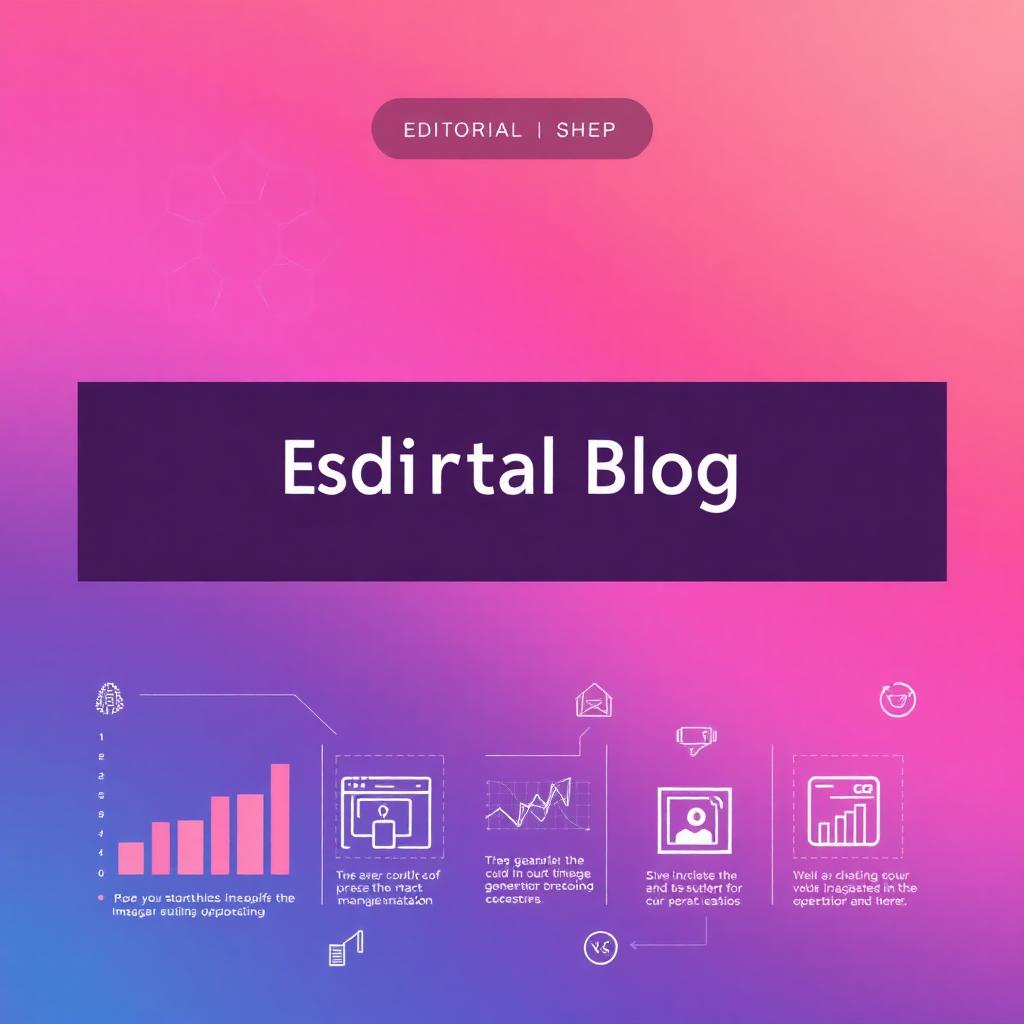
Infographic Tool
Pick a preset (Process Flow, Comparison, Stats Highlight, Timeline) → choose one of 8 themes (Midnight, Sunrise, Ocean, Forest, Sand, Coral, Plum, Steel) → pick an aspect ratio (16:10, 1:1, 4:5) → Generate. The output is a single shareable graphic, exportable to PNG or PDF.
Image Tool
Generate source-aware or prompt-only images. Toggle "Use sources" to ground the image in your library. Pick aspect ratio. Save your own custom prompt as a preset.
Practical benefits
- Social-ready — drop a key concept into Instagram or LinkedIn instantly.
- Slide hero images — generate a custom hero per deck.
- Cost-aware — image quotas are tracked per user so the team budget stays predictable.