
5/24/2026 · 3 min read · Neurixco Team
Using mind maps to understand big topics
See how the pieces fit together. Zoom, pan, and fullscreen mind maps generated from your sources.
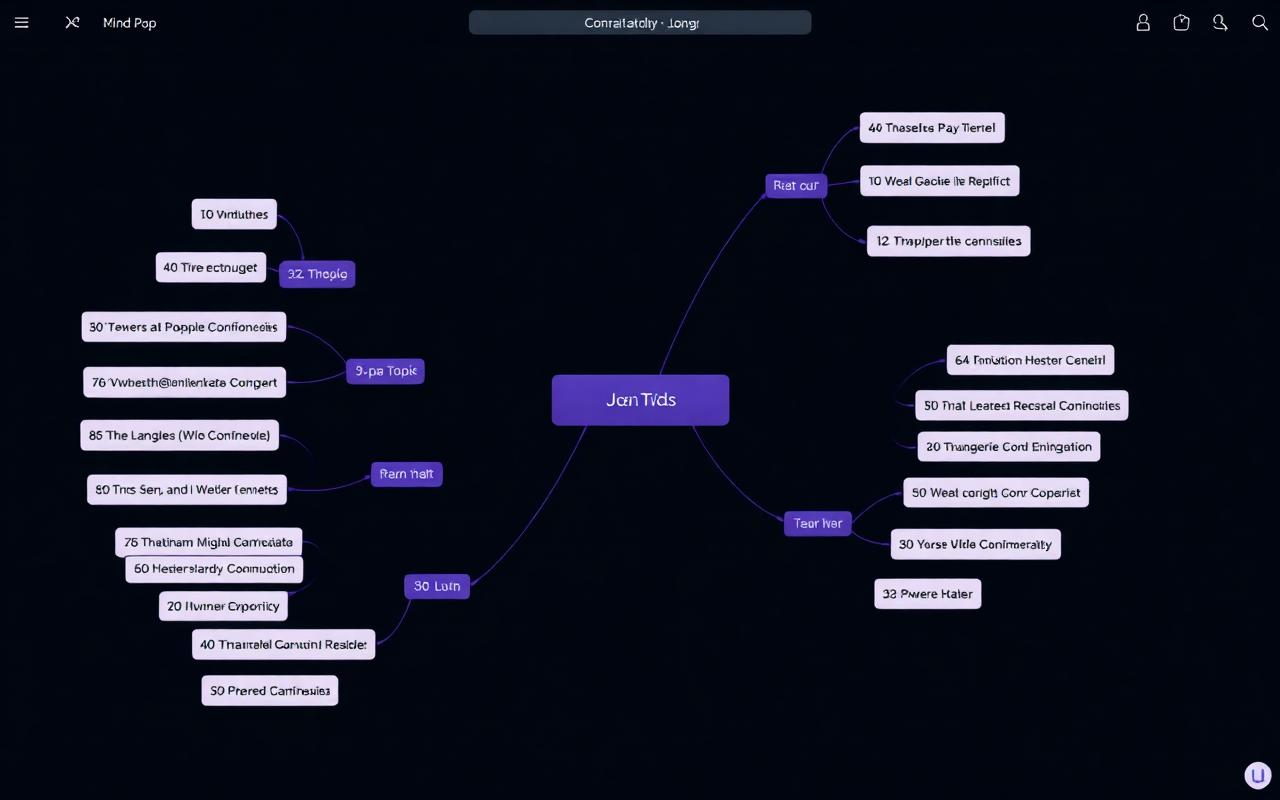
When to reach for a mind map
When the topic has more than 5 concepts and you need to see how they connect — not just what they are. Mind maps are the fastest way to grasp the shape of a domain.
How to use it
Pick your sources → open the Mindmap tab → choose a preset (Hierarchical, Concept Web, Process Flow) or write a custom prompt → Generate. Zoom with the mouse wheel, drag to pan, click a node to expand. Hit fullscreen for presenting or studying.
Practical benefits
- Pre-read prep — generate a mind map before reading a long paper to know what to look for.
- Revision overview — print or screenshot for your wall.
- Teach-back — explain the map out loud to lock the structure into memory.