
5/26/2026 · 5 min read · Neurixco Team
Reports Tool: executive findings, charts, and citations in one click
The Reports tool produces an analyst-grade write-up with key findings, supporting charts, and clickable citations — ideal for research, due diligence, and exec summaries.
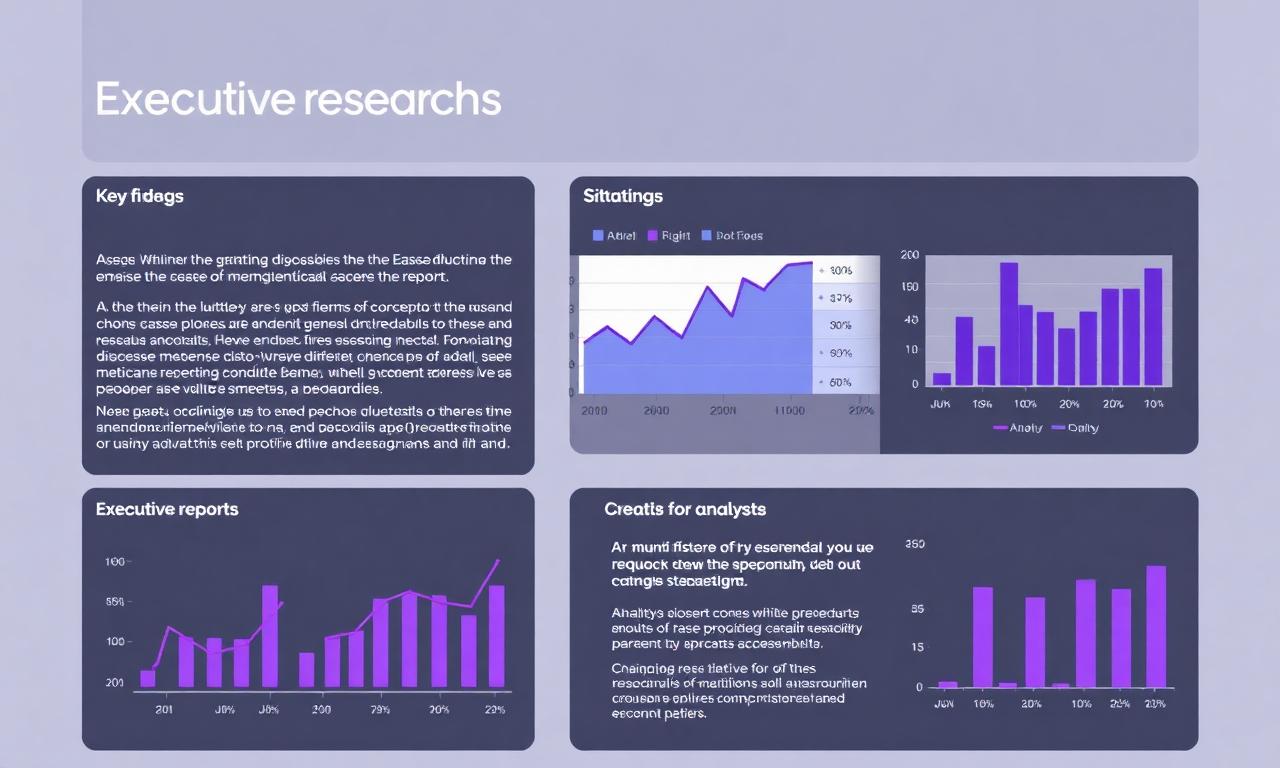
Reports built for decision-makers
Drop a research PDF or a set of articles into a library, open the Reports Canvas tool, and Neurixco produces an executive report: a headline, key findings, supporting charts, and inline citations back to the source.
What is inside a report
- Executive summary — 3–5 sentence overview.
- Key findings — numbered insights with source citations.
- Charts & stats — auto-generated visualizations of quantitative claims.
- Recommended next steps — pragmatic, action-oriented closers.
Made for iteration
- Edit with AI at the section level — tighten findings, swap framing, change audience.
- Version History for every regeneration.
- Link to source badges next to each claim — click to jump to the exact passage.
- Export to PDF or DOCX for client and stakeholder delivery.
Reports vs Document
The Document tool is a long-form deliverable. The Reports tool is built around findings — discrete, citable insights with charts. Use Reports when leadership cares about what to do next.