
8/16/2026 · 4 min read · Neurixco Team
Sources to Video: a narrated slide video from your library
Pick your sources, choose a voice and language, and get a continuous narrated video with slides — no editing required.
How it works
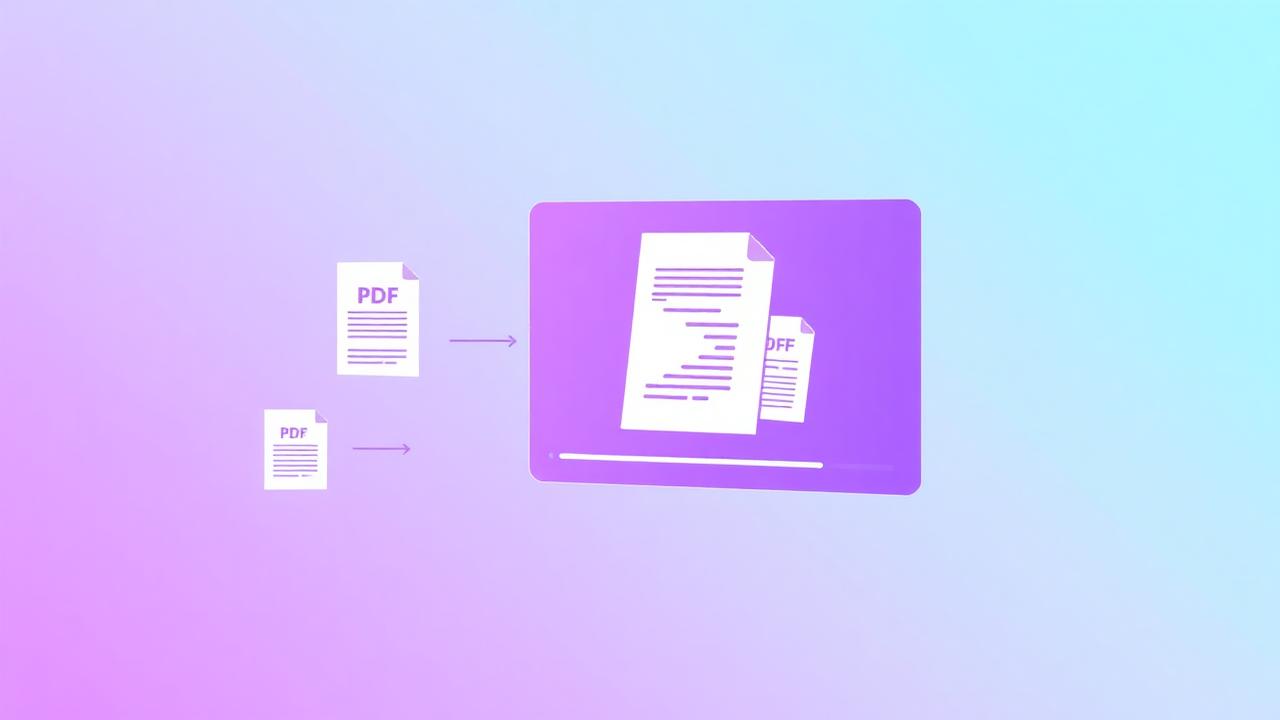
Open Sources to Video, keep Use my selected sources ticked, and generate. Neurixco writes a script, builds slides, narrates them with your chosen voice persona, and renders one continuous MP4 with audio.
Script on or off
Toggle the script step off if you want the tool to go straight from sources to slides and narration. Turn it on when you want to review and edit the wording first.
Language and voices
The language selector drives both the script and the narration voice, so a Spanish deck is narrated in Spanish.
Persistence
Scripts and rendered videos are saved with the document, so you can come back later, tweak a section and re-render.