
8/16/2026 · 4 min read · Neurixco Team
Text to Speech: narrate documents with multi-voice mode
Turn text, files, or article URLs into natural narration — with per-segment voices, language control and automatic translation.
Three ways to feed the tool
Paste text, load your included sources, or paste an article URL and Neurixco will scrape the readable content. Long inputs (up to 100k characters) are chunked automatically.
Multi-voice mode
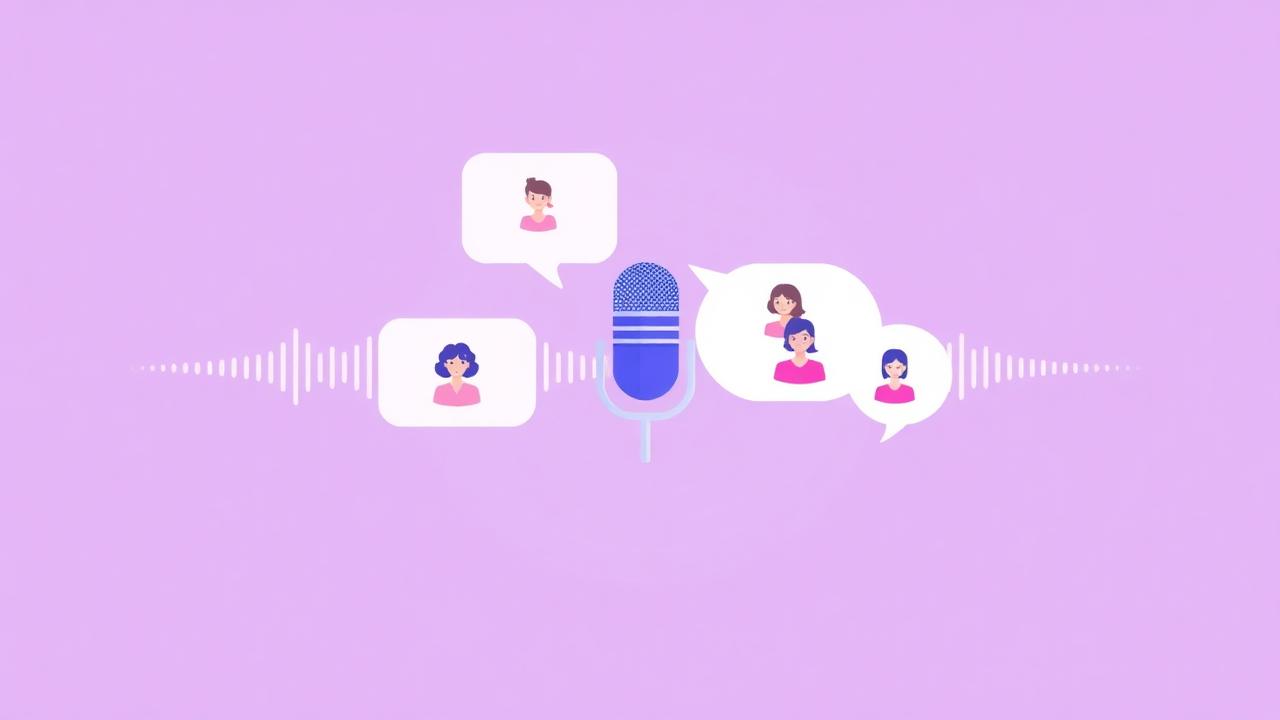
Switch on Multi-voice to split the script into segments and assign a different voice persona to each — perfect for dialogue, interviews, or a narrator plus quotes.
Language and auto-translate
Pick a language next to the voice selector. If the source text is in a different language, enable Auto-translate and you will see the translated text preview before rendering.
Version history
Every render is stored, so you can re-listen to older takes or roll back after an edit.