Turn any source into a complete deliverable
Upload a PDF, drop in a video, or paste a brief. Neurixco instantly produces notes, slides, quizzes, podcasts, dashboards, websites, and marketing kits — all grounded in your own sources.
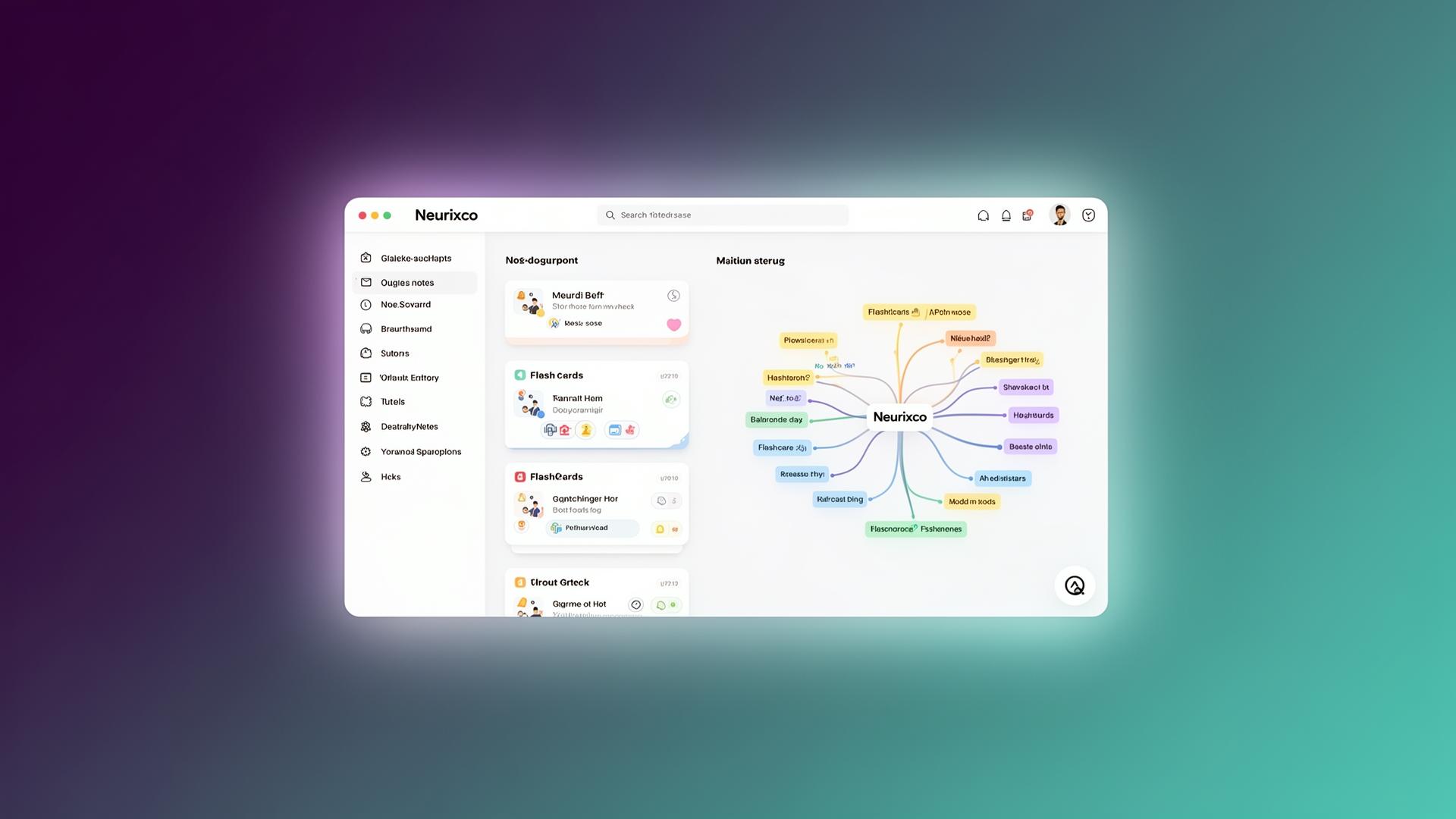
One Canvas. Every deliverable.
Every studio tool in Neurixco — notes, audio, video, study kits, visuals and build tools — all grounded in the same indexed sources.
Structured notes
Organised, cited summaries of every source, ready to revise or present from.
Summarizer
Key points, timestamps and exam-prep digests from long documents and videos.
Reports
Study guides, briefs, FAQs and timelines with executive findings and charts.
Document
Long-form papers and reports with styles, templates and section-level AI edits.
Writing Suite
Essays, paraphrasing, grammar fixes and translation in your chosen tone.
Audio Overview
Two-host podcast episodes generated from your sources, with voice personas.
Text to Speech
Narrate text, files or articles with multi-voice mode and auto-translation.
AI Music
Songs, lyrics and instrumentals from a simple description.
AI Video Core & Edge
Script, storyboard and render videos, or pick model, duration, audio and resolution.
Sources to Video
Turn your included sources into a narrated slide video in one click.
Slide decks
Ready-to-present slides with AI imagery, reference templates and PPTX/PDF export.
Mind maps
See how concepts connect across a whole course or project at a glance.
Quizzes
Adaptive multiple-choice and open questions drawn straight from your material.
Flashcards & SRS
Spaced-repetition decks with a built-in reviewer so recall actually sticks.
Homework Solver
Step-by-step maths and science worked solutions you can follow.
Infographics & AI images
Stat posters and on-brand illustrations generated from your content.
Data tables
Editable, sortable grids with live charts extracted straight from reports.
Diagrams & charts
Flowcharts, timelines, pie and bar charts rendered from your sources.
Website builder
Templates plus a prompt turn a brand brief into a live, editable site.
App builder
Chat your way to working HTML/CSS/JS apps and chatbots you can share.
Code Lab
Generate and actually run Python or JavaScript right inside the canvas.
Marketing Kit
Posts, emails and ads for a full campaign from one brand brief.
AI Agent chat
Ask anything about your sources — and trigger any studio tool from the chat.
Your own MCP servers
Connect external MCP tools with bearer or OAuth auth, subject to your plan.
One Canvas, three ways to win
Pick the scenario that sounds like your week. Each one has a live, interactive demo inside.
Notes into Slides, Quizzes & Podcasts in 1 click
Drop a lecture PDF or video and walk out with a study deck, quiz, mind map, and podcast.
Ship a Website, Chatbot & Marketing in a day
One brand brief in. Site, bot, and marketing kit out — all grounded in your positioning.
Upload datasets (CSV, XLSX) or reports (PDF, DOCX) → get insights, slides, and dashboards instantly
Drop a spreadsheet or research PDF and get key findings, a presentation deck, and a live dashboard.
Why teams pick Neurixco
Designed for real deadlines — not just demos.
Save hours every week
Skip the busywork of summarising and formatting. Generate a full kit in seconds.
Share with anyone
Publish any view via a shareable read-only link.
Your sources stay yours
Private by default. RLS-protected storage and per-user libraries.
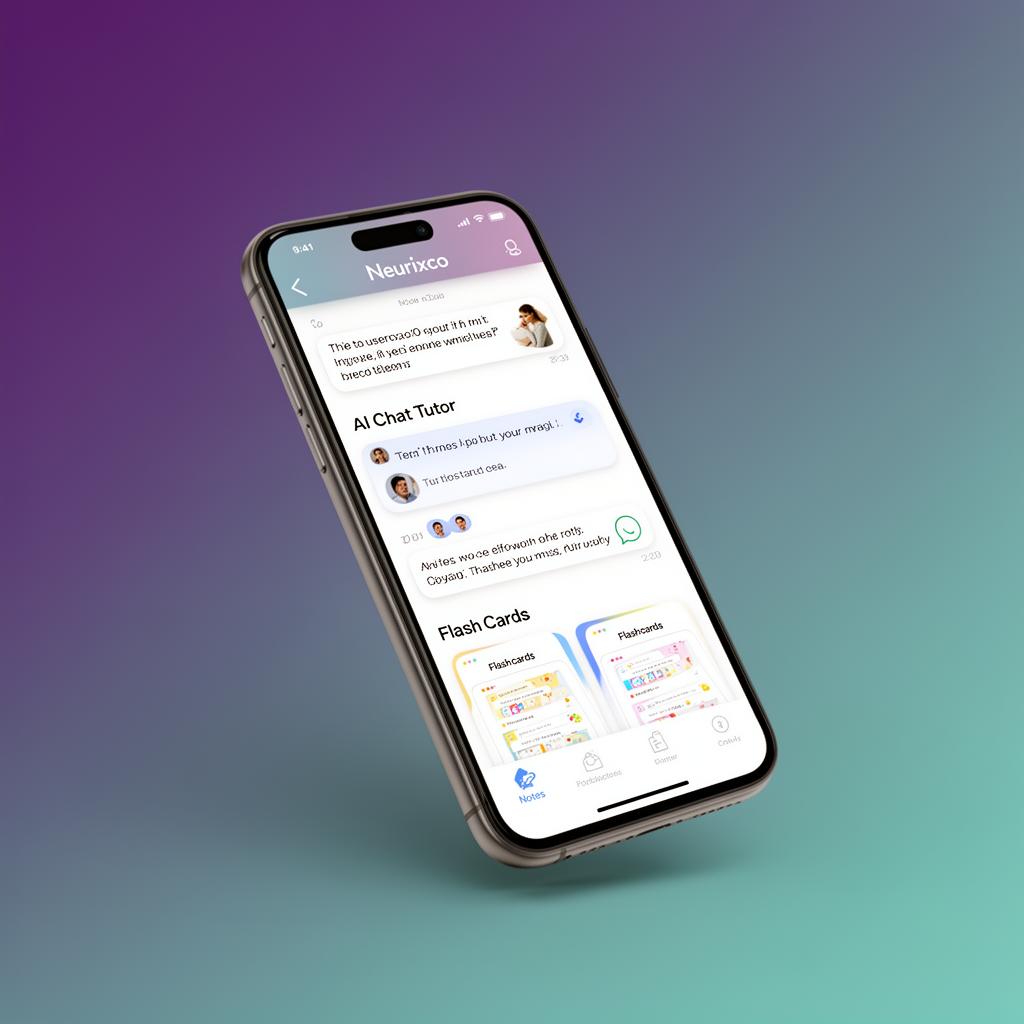
Work anywhere. Install on Android & iOS.
Neurixco is a Progressive Web App — no app store needed. Add it to your home screen and it opens fullscreen, just like a native app.
Install on Android
- 1. Open Neurixco in Chrome.
- 2. Tap the ⋮ menu in the top right.
- 3. Choose Add to Home screen.
- 4. Tap Install and launch from your home screen.
Install on iOS
- 1. Open Neurixco in Safari.
- 2. Tap the Share button.
- 3. Scroll and choose Add to Home Screen.
- 4. Tap Add. Neurixco now opens fullscreen.
Get started in four steps
From sign up to your first deliverable in under three minutes.
- 01
Create an account
Sign up with email or Google. No credit card required.
- 02
Create a library
Group sources by course, project, or client.
- 03
Add your sources
Upload PDFs, paste links and text, or drop in a YouTube URL.
- 04
Generate & ship
Click Notes, Slides, Dashboard, Website, or Marketing — and ship it.